

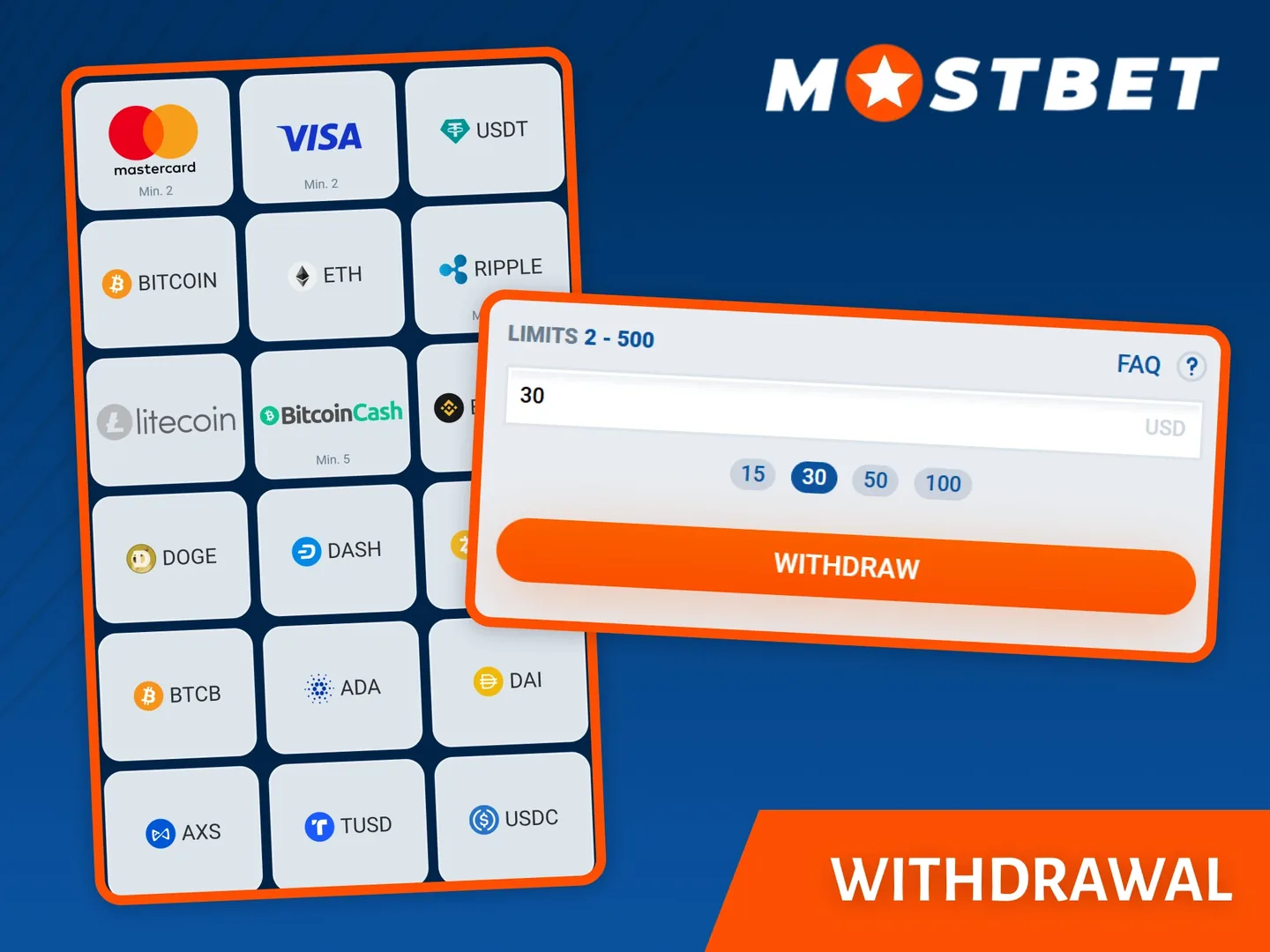
Check which balance is eligible to leave
The headline account balance may combine cash, bonus funds and other restricted amounts. Open the withdrawal screen to see the amount the system allows you to request. If a promotion is active, read its wagering and cancellation rules before making changes.
Do not assume that cancelling a bonus leaves every related amount intact. Its terms may treat bonus funds and associated winnings differently. Ask support to explain the effect before confirming an irreversible action. The bonus guide helps identify the conditions that matter.
| Check | Why it matters |
|---|---|
| Withdrawable balance | It can differ from the total displayed balance |
| Identity status | An outstanding review can interrupt processing |
| Payment ownership | The destination may need to match the account holder |
| Method limits | Each route can have its own accepted range |
| Currency and fees | They affect the amount finally received |
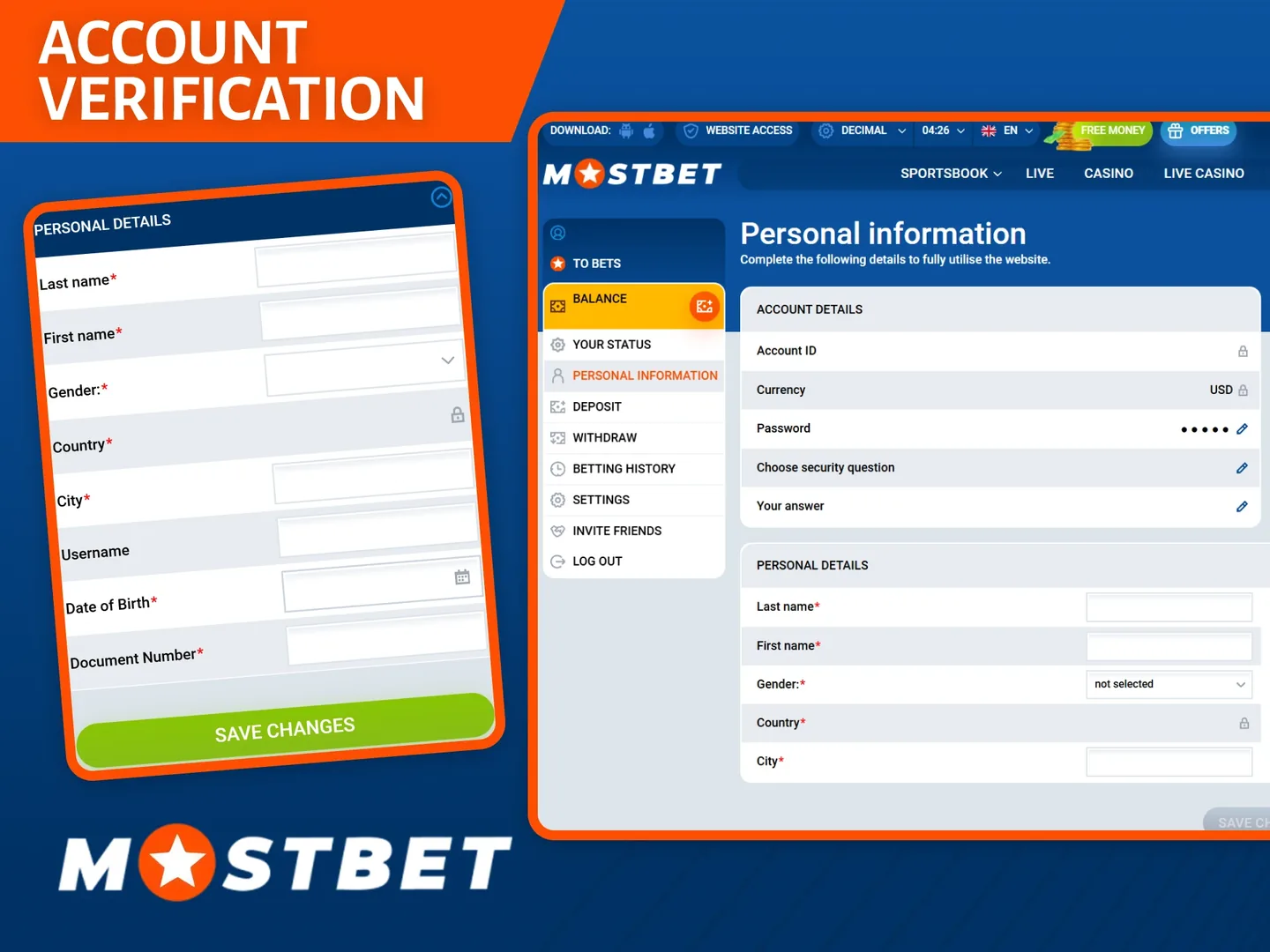
Prepare verification before an urgent payout
Check that your legal name, date of birth and address are accurate. Follow the documents requested in the authenticated verification workflow rather than sending every personal document you possess. Ensure images are readable and meet the stated format requirements.
A request can involve identity, address, payment ownership or another account review. Completion of one category does not automatically complete all others. If an item is rejected, read the reason and replace that item, avoiding repeated submissions of the same unsuitable file.
Use the genuine document channel
Never send passwords or one-time codes as verification evidence. Be cautious about people in messaging groups who claim they can accelerate payouts for a fee. Keep the support case reference and submit sensitive information only through a verified route.
Submit one clear payout request
- Log in and open the withdrawal section.
- Confirm the withdrawable amount and any unresolved account notices.
- Choose an available payout method and read its limits.
- Enter receiving details that belong to you and match the required format.
- Review the currency, amount and any displayed deductions.
- Confirm once and save the request ID, timestamp and status.
- Track the request in history and compare it with the receiving account.
A method used for deposits may not support outgoing payments. Follow the cashier’s available payout routes and the account’s payment rules. If a replacement method is required, ask for the permitted procedure rather than entering unrelated details.
Understand the stages behind the status
| Stage or status | Practical interpretation | Evidence to keep |
|---|---|---|
| Requested | The instruction has been recorded | Request ID and amount |
| Under review | Account or transaction checks may be ongoing | Any document request |
| Approved or processed | The operator reports progress; receipt still needs checking | Payment reference if supplied |
| Received | The destination shows the incoming funds | Statement or wallet record |
| Rejected or returned | The instruction did not complete as submitted | Reason and returned-balance record |
Labels vary between interfaces. Ask what a label means for your specific request if the wording is unclear. An approval notification and a bank credit are different pieces of evidence.
Processing time is a sequence, not one universal promise
Read the timeframe shown for the selected method and account. It may distinguish operator review from payment-provider settlement, and business days from calendar days. A weekend or holiday can matter when the receiving bank uses business-day processing.
For illustration, a request approved late on Friday with a two-business-day receiving process could arrive on Tuesday if Monday and Tuesday are ordinary working days. That example explains counting; it is not a promised payout schedule for this operator.
Keep the original submission time and timezone. If you cancel and submit again, you may create a new request with a new processing sequence. Repeated cancellation is therefore a poor way to speed up an unexplained delay.
Investigate a delay with specific questions
First inspect the account for an unanswered verification request. Then compare the time elapsed with the displayed method guidance. If that period has passed, contact verified support with the request ID, amount, currency, date and current status.
Ask whether the request remains with the operator or has been sent to the payment provider. If sent, request a traceable reference appropriate to that method. If still under review, ask what action, if any, is needed from you. Keep the answer with the existing case rather than starting from zero in each conversation.
If a receiving bank cannot identify the transfer, provide the reference supplied by the sender, with sensitive details shared only in private verified channels. A clear chain of records is more useful than a screenshot of the account balance alone.
Fees, conversion and the final amount
Compare the amount requested, any stated deductions and the currency received. A payment provider can apply conversion or charges under its own terms. For example, a 2% deduction on a hypothetical 1,000-unit transfer would leave 980 units before any currency conversion. That is an illustration, not a quoted fee.
If the received amount differs unexpectedly, ask which party applied the difference and request its calculation. Keep the original confirmation. Do not make a new deposit in response to an unsolicited message promising to “unlock” an existing payout; verify any account notice directly with authenticated support.
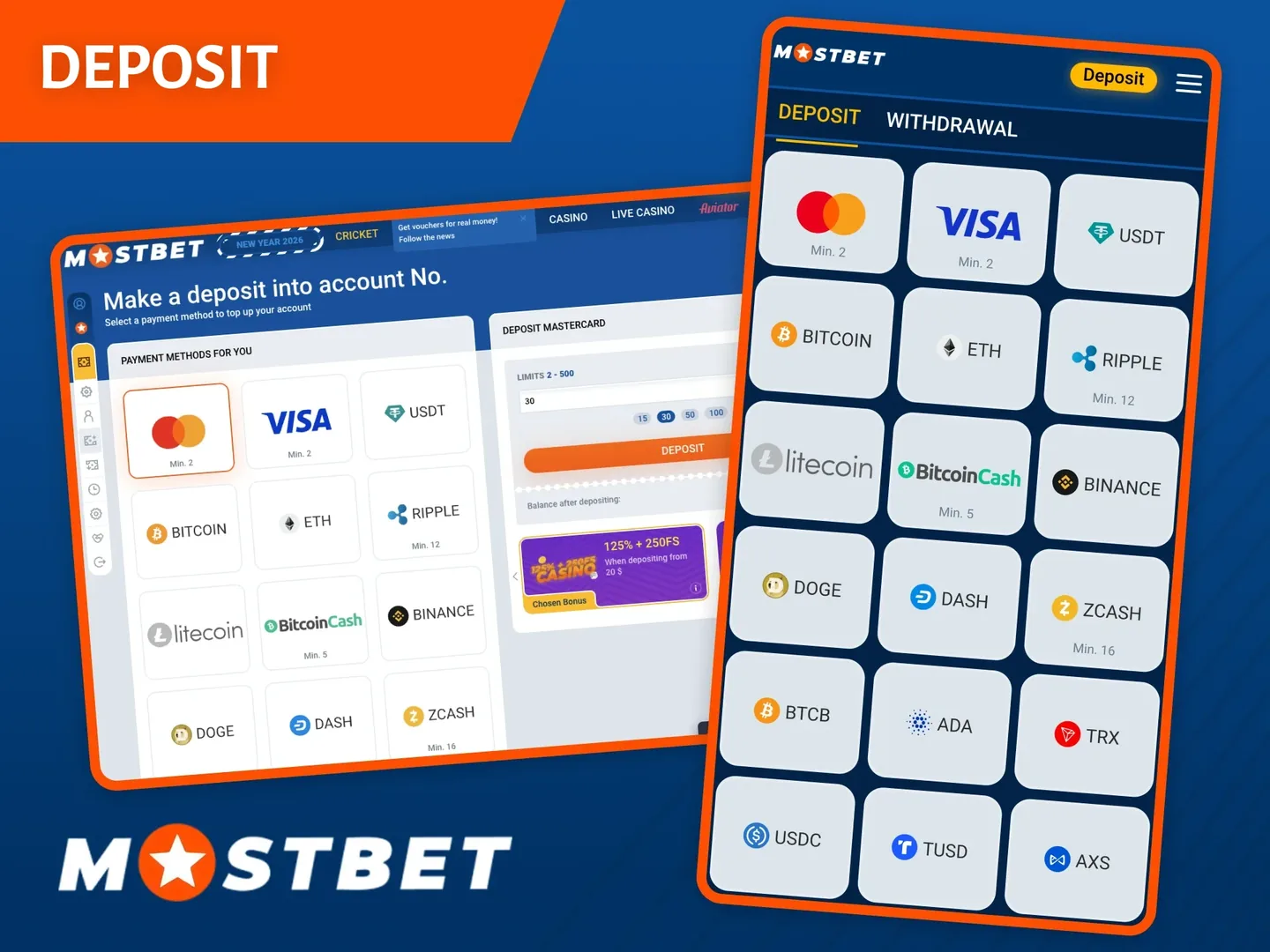
The deposit guide explains how payment ownership and transaction references begin earlier in the account journey. Good records at both ends make a disputed transfer easier to investigate.
Questions answered
Does approved mean the money has arrived?
No. Check the receiving account. Operator approval and payment-provider settlement can be separate stages.
Can I withdraw the entire displayed balance?
Only the amount eligible under the account and promotion rules. The withdrawable balance can differ from the total balance.
Should I cancel a delayed request and submit it again?
Ask support first. Cancellation can create a new request and change the processing sequence.
What information helps investigate a delayed payout?
Keep the request ID, amount, currency, timestamp, current status and any payment-provider reference.
Published by mostbettcasinos.com. Read our review methodology and editorial responsibilities. For corrections, contact the publisher.