

APK, native app and web shortcut are different
| Route | What is installed | What to verify |
|---|---|---|
| Android APK | An Android application package | Genuine download source and requested permissions |
| iPhone app | An app distributed through the applicable store route | Developer identity and regional availability |
| Home-screen shortcut | A link or web-app entry opening website features | The exact website address |
| Mobile browser | No separate operator application | Current browser and secure account access |
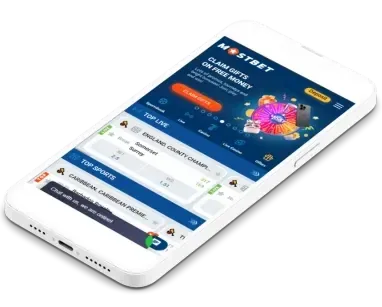
A shortcut icon can look like an app while still relying on the browser. Likewise, an Android download cannot be installed on iOS. The existence of an image advertising “Android and iOS” does not establish a current store listing for every country.
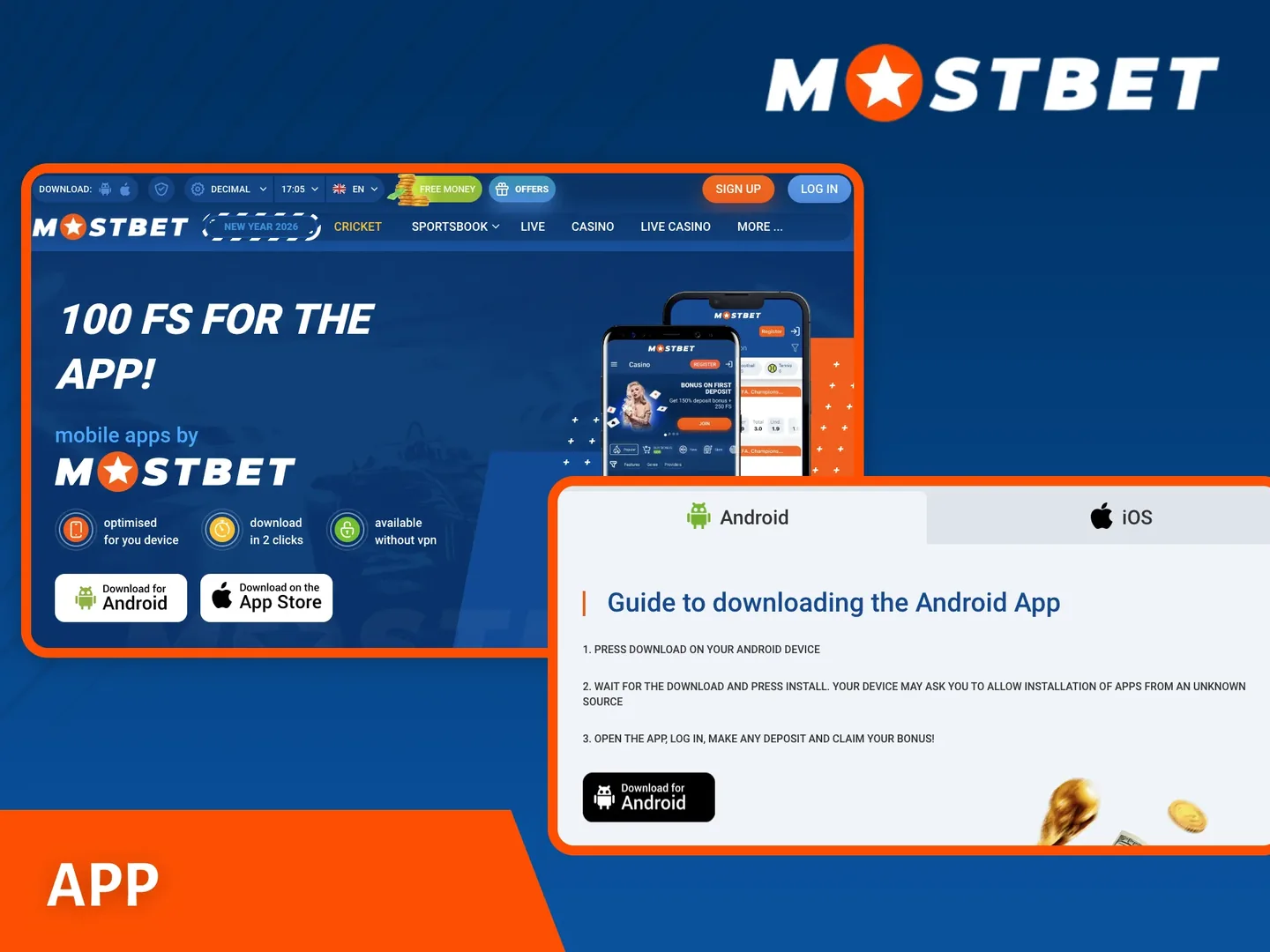
Verify the download before installation
Start from an operator address you have independently authenticated. Avoid APK repositories, file-sharing messages and “premium” versions supplied by strangers. A familiar logo and filename can be copied easily. Do not treat a high search ranking as verification of a developer.
Read the installation instructions, compatibility information and permissions on the actual distribution page. A specific package size or minimum operating-system version can change after an update, so check the current listing rather than relying on an old number in a review.
Watch for mismatched promises
An app cannot guarantee winning results, remove verification requirements or legitimately restore access to a restricted account by itself. Claims about unlimited balances, modified odds or bypassing restrictions are reasons to stop, not app features to test.
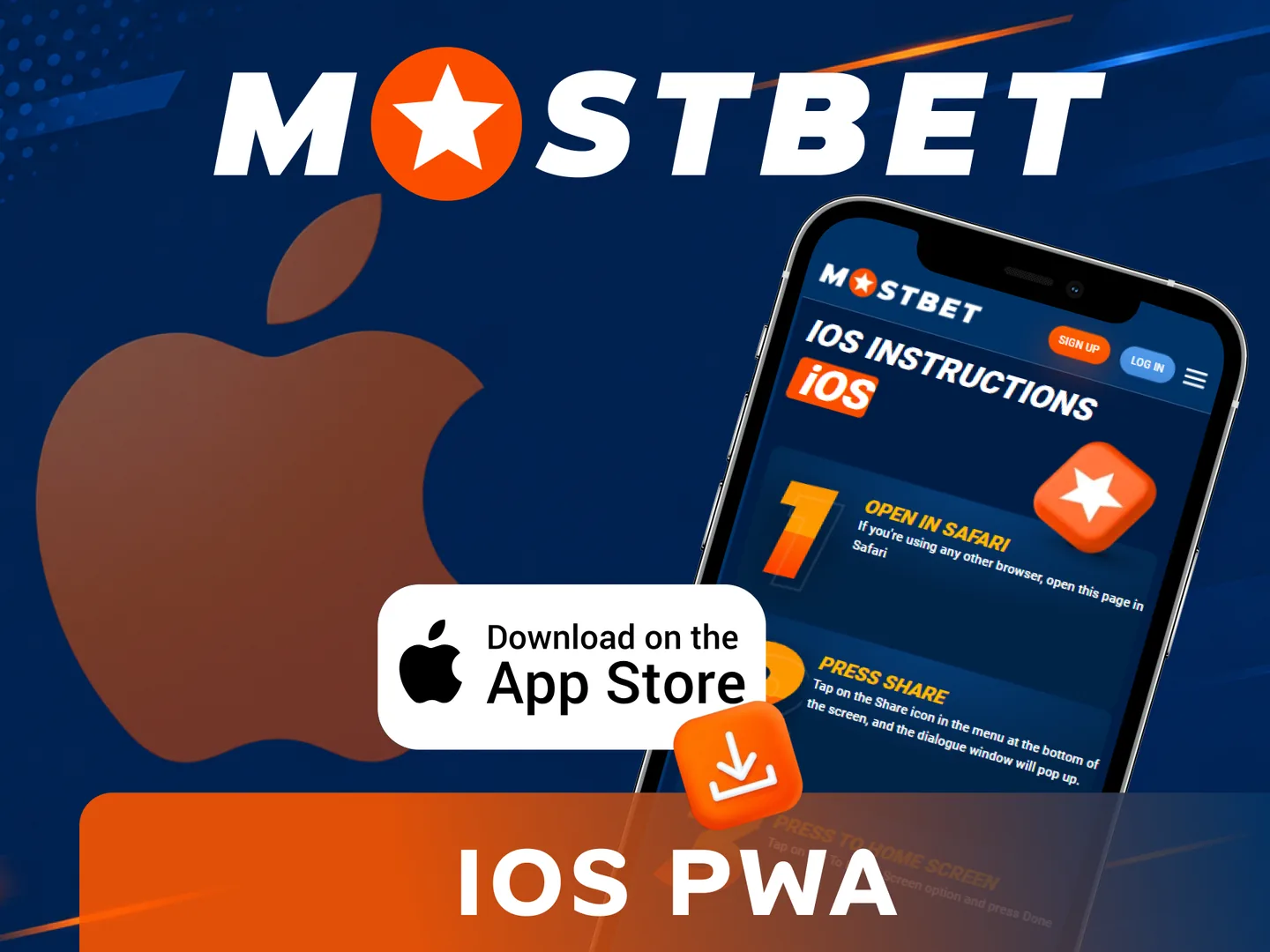
Android installation checklist
- Confirm that the device and location are supported by the current download route.
- Download the package only from the verified distribution page.
- Review any Android warning and the source requesting installation permission.
- If installation from that source is required, grant it narrowly rather than enabling unrelated sources.
- Review the application permissions and complete installation only if the details match expectations.
- Revoke the source-install permission afterwards if it is no longer needed.
- Open the application and sign in to the existing account.
If Android reports an incompatible or unsafe package, do not disable broad security protection merely to force installation. Check the official instructions or use an eligible browser route while you investigate. A failed install does not justify downloading a modified copy.
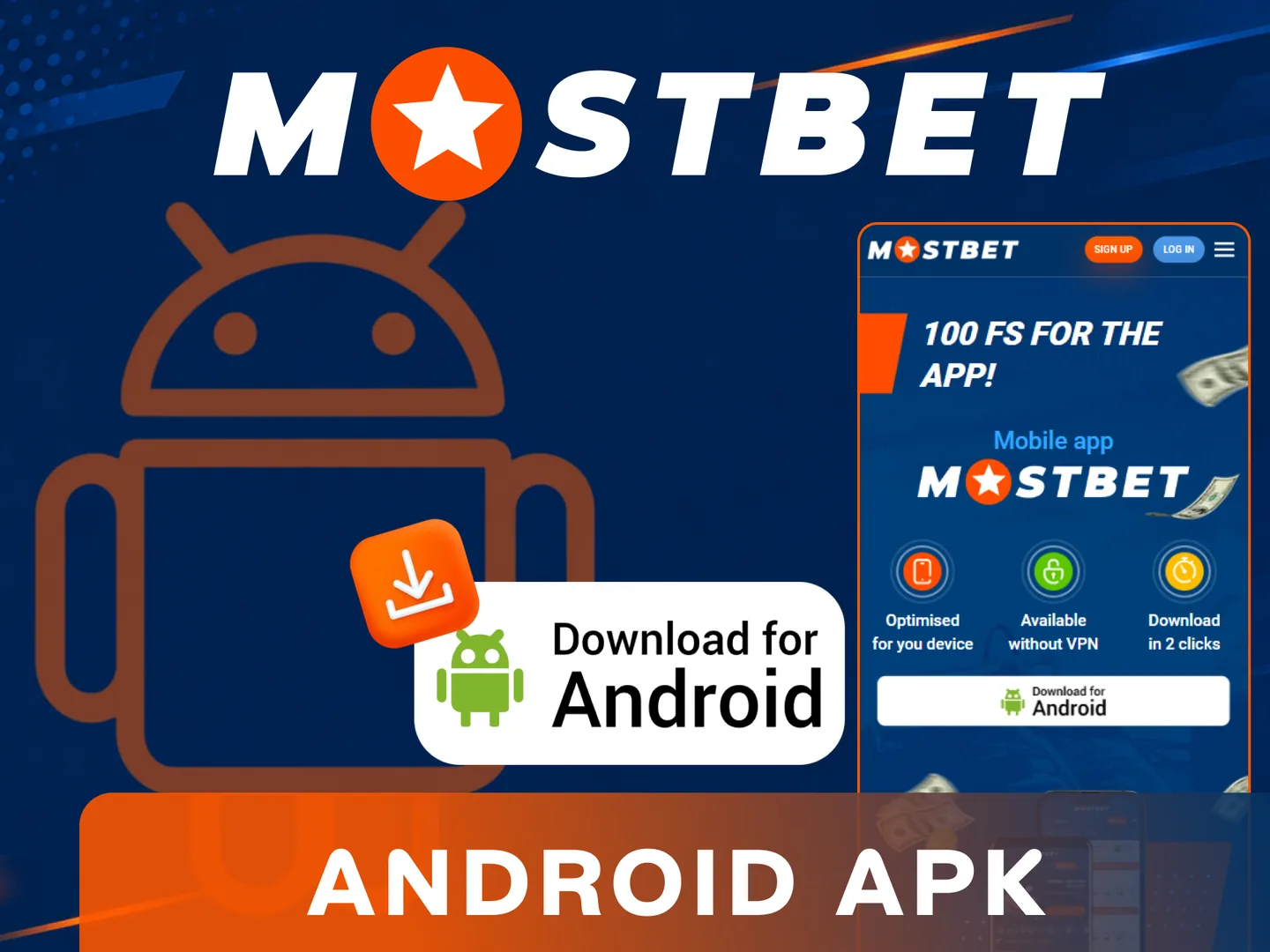
iPhone: check the actual listing or use the browser
When the operator provides an App Store route for your region, follow that route and compare the developer and application details. Do not assume every app containing the brand name is the correct product. Store availability and compatibility can vary by country and device.
For ordinary browser access, open the verified website in Safari. Where supported, its sharing menu can add the page to the home screen. This creates a convenient entry point; it does not turn an Android package into an iPhone application or guarantee offline access.
A request to install an unfamiliar configuration profile or trust an unrelated enterprise developer deserves particular caution. Do not follow unofficial installation workarounds. The mobile website is often the simplest way to inspect the interface without adding a separate application.
Move between devices without creating another profile
Use the same supported login method on mobile that you used at registration. If the app presents different tabs, choose the one that matches your existing identifier. The login guide explains the differences between phone, email, account ID and an external provider.
After signing in, compare the account ID, currency and transaction history. A blank history can indicate a different profile rather than a synchronization failure. Stop before paying and resolve the mismatch through verified support.
Biometric or quick-unlock options, if present, are device conveniences. They do not replace control of the recovery email or phone. Keep your recovery route available in case a phone is lost, reset or replaced.
Updates, permissions and mobile performance
Install updates from the same genuine distribution route. Read prompts carefully if an update requests new permissions. Keep the operating system and browser current, and make sure the phone has enough storage to complete installation without interruptions.
| Problem | Practical response |
|---|---|
| Installation fails | Check compatibility, storage and official download guidance |
| Login loops | Verify the account method and current app version |
| Page or game freezes | Check connection and transaction history before retrying |
| Device lost | Secure the account and review active sessions through support |
When a payment screen stalls, do not immediately submit another payment. Check the account history and your payment provider first. The deposit checklist helps distinguish an incomplete payment from a delayed account credit.
Notifications and account control
Configure notifications to suit your preferences. A promotional alert is not an obligation to act, and installing an app does not make an advertised reward automatically eligible. Read the terms attached to any mobile-specific promotion before accepting it.
Use a device lock, avoid sharing the phone while the account is open and sign out before selling or lending the device. Uninstalling an application does not close the account or cancel an unresolved transaction. Use the account’s actual closure or support procedure when that is your intention.
Questions answered
Can an APK be installed on an iPhone?
No. APK files are Android packages. Use an available legitimate iPhone route or an eligible mobile browser.
Do I need another account for the app?
No. Use the existing account and its supported login method.
Does adding a home-screen icon install a native app?
Not necessarily. It may create a shortcut or web-app entry that uses the website.
Is an installation bonus guaranteed?
No. Any promotion depends on its current account-specific eligibility and terms.
Published by mostbettcasinos.com. Read our review methodology and editorial responsibilities. For corrections, contact the publisher.