

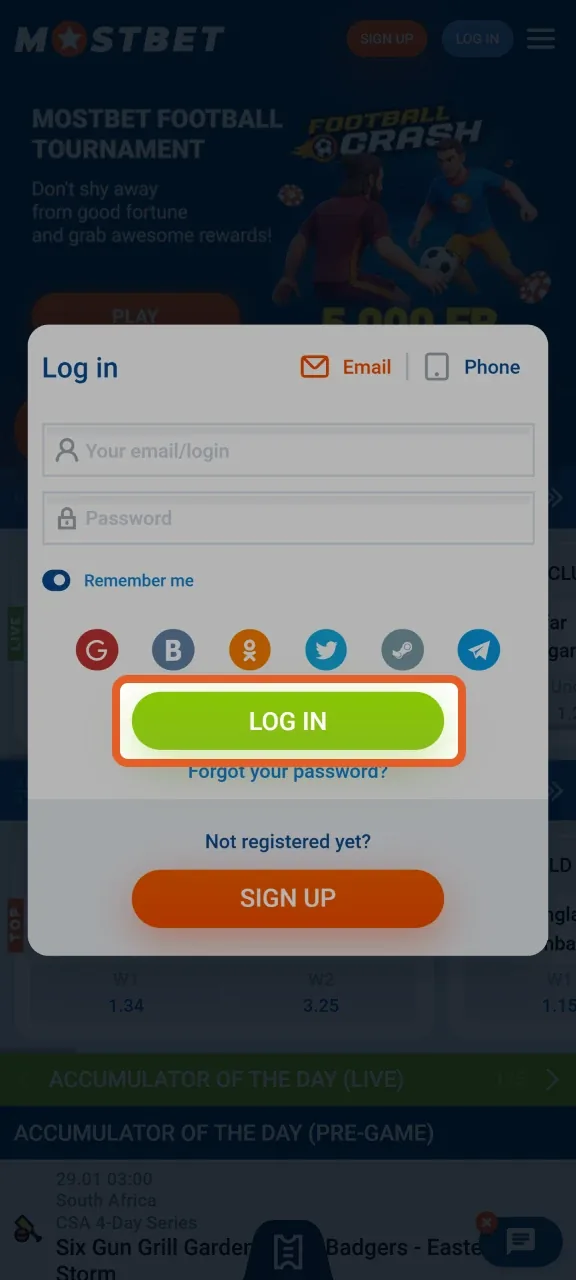
Start with the message you can actually see
Write down the error wording and when it appeared. Include the page or app screen, device type and whether the problem happens before or after submitting the login form. Remove private information from screenshots. An error saying “incorrect password” needs a different response from a page that never loads.
| Stage | Possible category | First useful check |
|---|---|---|
| Page will not load | Connection, service or access restriction | Check ordinary internet access and the address |
| Form rejects credentials | Wrong method, identifier or password | Compare with the registration record |
| Code is missing | Delivery or request limit | Check the registered channel |
| Login succeeds, access stops | Verification or account restriction | Read the account notice and contact support |
Password recovery without duplicate accounts
- Open the verified login interface and select its recovery option.
- Enter the exact email, phone or account identifier that the recovery form requests.
- Read the delivery confirmation without exposing it publicly.
- Use the most recent valid recovery link or code.
- Create a new unique password and update the password manager entry.
- Return to the normal login page and test access once.
Do not reuse a password from another service. If you receive an unsolicited reset message, do not assume it came from the operator; open the service independently. You can inspect your account from a trusted route without clicking the message.
If the account uses a social provider, recovery may begin with that provider rather than with a local password. Avoid unlinking services until you understand which login route will remain available.
When you no longer control the phone or inbox
Losing a SIM or email account changes the problem from password recovery to ownership recovery. Contact the operator through a verified channel and explain which contact is unavailable. Ask for the required identity and contact-change procedure. A request to replace an account contact should be expected to receive additional scrutiny.
Provide only documents requested through the legitimate workflow. Do not send an account password, OTP or card security code. Keep the case reference and a copy of your own explanation so you do not submit contradictory information in multiple chats.
Recover the contact account too
If the email inbox itself has been compromised, secure it before resetting gambling-account credentials. Otherwise the same attacker may intercept the new reset link. Review forwarding rules and connected sessions where your email provider makes them available.
A page that fails to open is not a password problem
Check that other ordinary websites load, then verify the intended address. If the problem affects one browser, an outdated version or a conflicting extension may be involved. Try an updated browser on your own trusted device. Before deleting cookies, save any information needed to identify the account and understand that doing so may sign you out.
A geographic or legal restriction is not a technical obstacle to work around. Do not use mirror lists, VPNs or unofficial apps to evade a restriction. Ask verified support whether the service is available for your location and account. Availability may differ from what an old bookmark or screenshot suggests.
If the operator reports a service incident, wait for its stated recovery guidance. Repeated payment attempts during an outage can make reconciliation harder, so inspect transaction history before sending anything again.
Restricted, suspended and verification-pending accounts
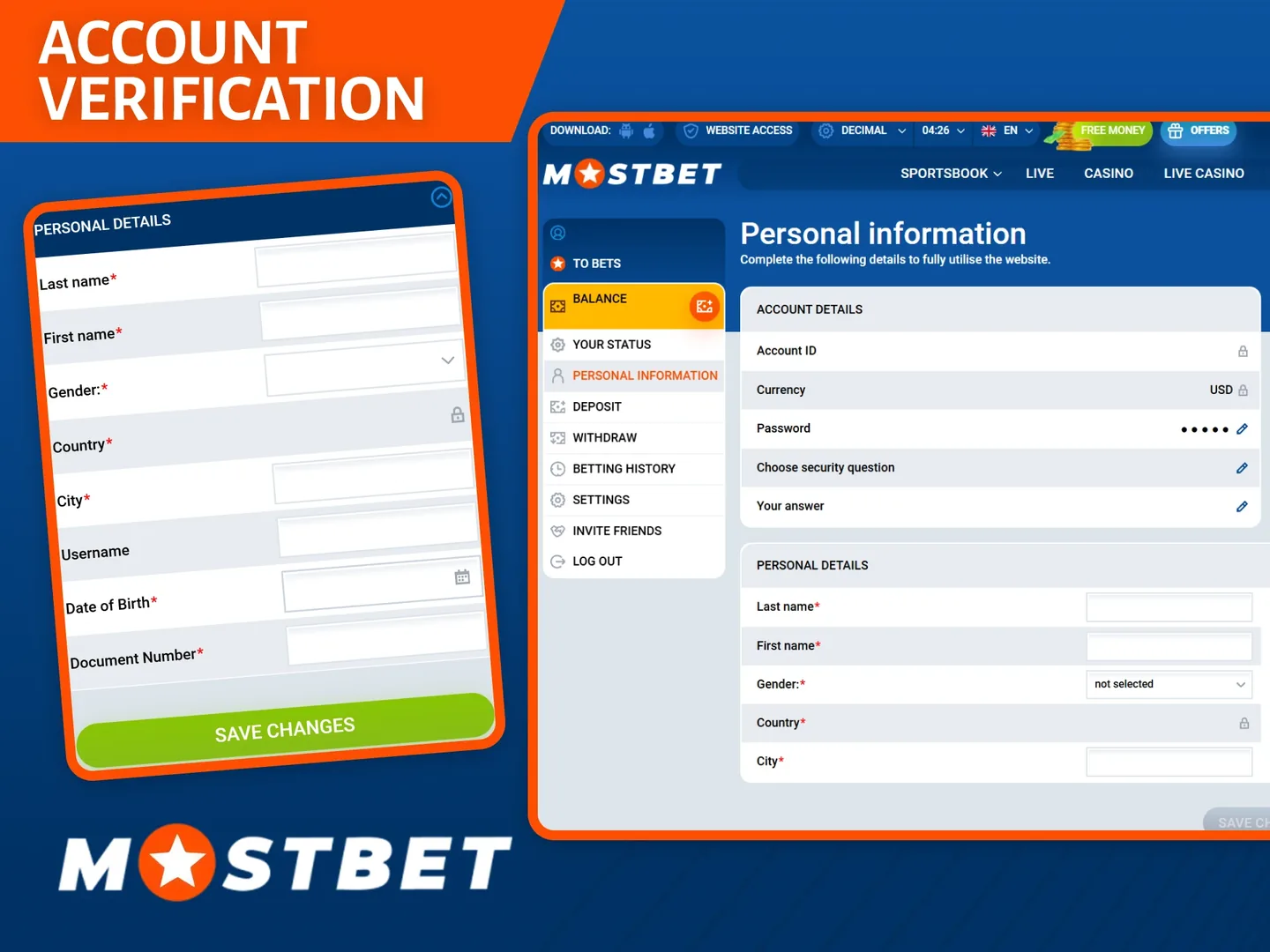
Read the notice literally. A verification request is not the same as a permanently closed account, and a temporary security check is not automatically a confiscation decision. Ask which action is required, which channel accepts the material and whether there is a case reference.
Keep communications factual. A useful message says: “The account opens, but the withdrawal screen shows this notice. It appeared at this time. I have already submitted the requested document through the account.” Avoid attaching unrelated documents or repeatedly opening new tickets before the stated review period has passed.
| Evidence | Include | Exclude |
|---|---|---|
| Account reference | Account ID in private support | Password or one-time code |
| Error screenshot | Message and relevant screen | Full card or identity details |
| Timeline | Time, timezone, last successful access | Unverified assumptions |
| Technical context | App version or browser name | Unnecessary personal files |
After access is restored
Confirm the account identifier, contact details and recent transactions. If the incident involved suspected unauthorized access, change credentials from a trusted device and review available session controls. Check whether recovery altered your remembered devices or login method.
Keep the support case until the matter is resolved. If a payment also failed, treat it as a separate issue: the deposit page covers missing credits, while the withdrawal page explains payout stages. A successful login does not prove that a financial transaction has settled.
For normal access instructions, return to the login guide. Once the account works, avoid experimenting with unofficial tools that promise to prevent future blocks. They can expose the credentials you have just recovered.
Questions answered
Should I make another account if recovery is slow?
No. Continue the ownership-recovery process for the existing account rather than creating a duplicate profile.
Will clearing cookies fix a restricted account?
It may help a browser-session issue, but it cannot remove a restriction applied to the account.
What should I send support?
Send the error text, timeline, account reference and device details through a verified private channel. Never send passwords or OTPs.
Can a VPN solve a country restriction?
Do not use a VPN or another address to evade geographic or legal restrictions. Confirm eligibility with the service instead.
Published by mostbettcasinos.com. Read our review methodology and editorial responsibilities. For corrections, contact the publisher.